SHA-256 · ViktorSetup-1.2.0.exe
275cd544f9f6bb8195e4348eff480348a4b4d195d88d931638998489f987a87c
SHA-256 · ViktorSetup-1.2.0.msi
64631bc9e7a6f7305617972bb2991f71ebe39dce4def13bb899cff69ecb6864d
SHA-256 · viktor-the-cleaner_1.2.0_amd64.deb
a20dcee6f5b73a40296e0b0e87bb6deeda4781875dd60b5ef85112946dbe1b7e
Make sure this one is really the one
Don't take my word for it. Before you run the installer, you can check on your own PC that it's exactly the one I released — bit for bit, no impostor. The tools you need are already in Windows.
1) File fingerprint (SHA-256). Open PowerShell (or Command Prompt) in the folder where you saved the file — usually Downloads — and run:
certutil -hashfile ViktorSetup-1.2.0.exe SHA256certutil -hashfile ViktorSetup-1.2.0.msi SHA256
The printed fingerprint must match the one above character by character — the one for the file you downloaded (.exe or .msi). If it matches, nobody touched the file on its way to you. If it doesn't, don't run it and download again.
2) Digital signature. Right-click the downloaded file → Properties → Digital Signatures tab. It must be signed by Michal Foist with a timestamp. If you prefer the command line, check the same in PowerShell:
Get-AuthenticodeSignature .\ViktorSetup-1.2.0.exe | Format-List Status, SignerCertificateGet-AuthenticodeSignature .\ViktorSetup-1.2.0.msi | Format-List Status, SignerCertificate
A line reading Status: Valid and the name CN=Michal Foist mean the file is signed by me and hasn't changed by a single byte since. If anyone tampered with it, Windows declares the signature invalid.
On first run Windows SmartScreen may show a blue box („Windows protected your PC“). That's normal for a freshly released program — click More info → Run anyway. The installer is signed, and the warning disappears on its own as downloads add up.
What Viktor cleans
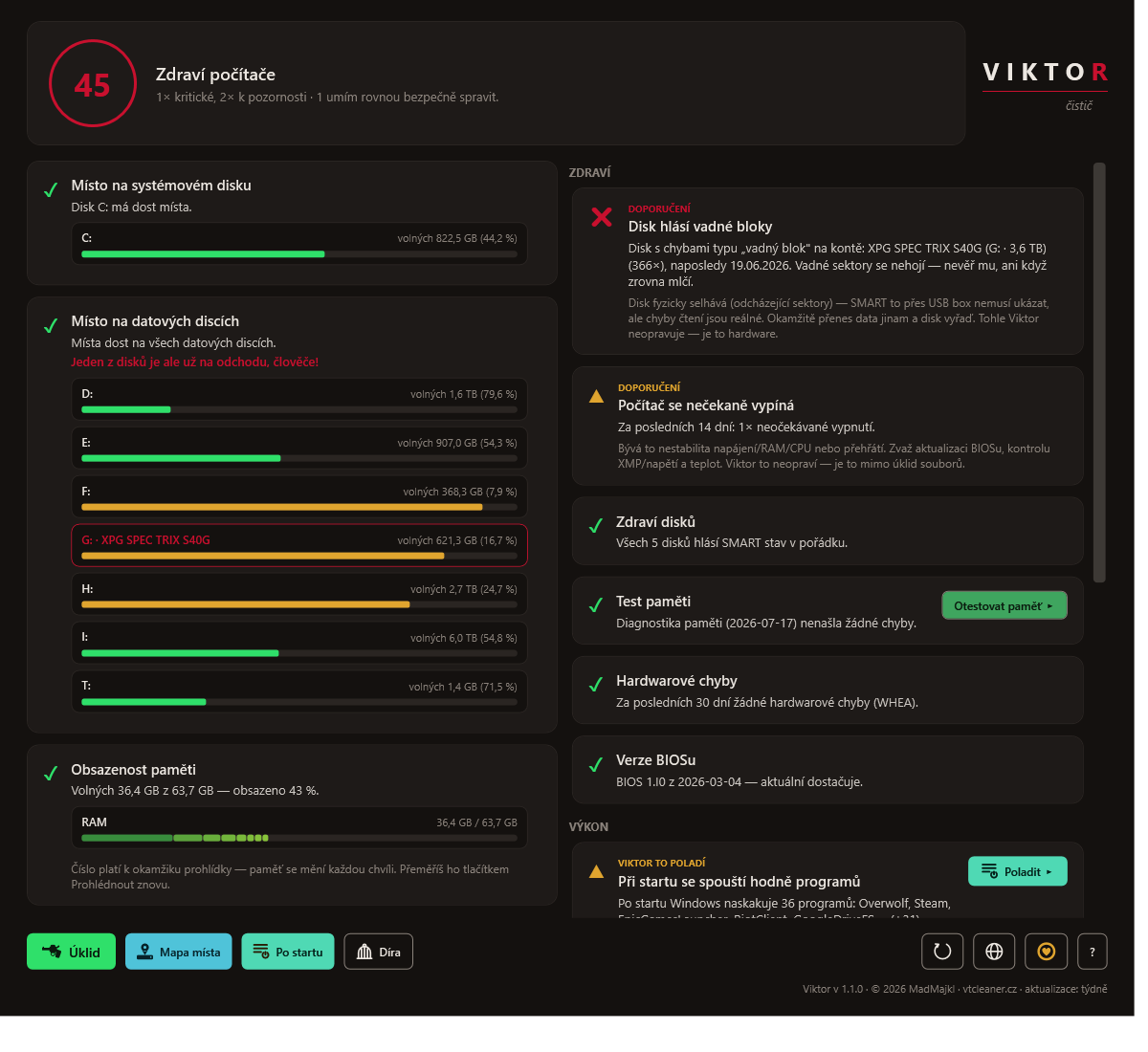
- Health check — goes through your PC and tells you in plain words what's slowing it down.
- Cleanup — safely deletes temporary and leftover files, with a preview first.
- Space map — shows what's really eating your disk, largest to smallest.
- Startup programs — calms down what launches with Windows.
- The Hole — a temporary jail for the cleared-out junk.
- Talks to your AI assistant — new in 1.0.5. Viktor plugs into Claude Desktop and Claude Code (over MCP), so you can just ask “where did my disk space go?” in plain words. By default he only reads — the cleaning tools aren't even offered to the assistant. How to set it up
Details and guides are in the help (six languages).
More from us
Viktor is not the only thing we built. None of this is third-party advertising — these are our own projects.
What people say
Feedback people sent me straight from the app and allowed me to publish. I keep it exactly as it arrived — in the original language, unedited.