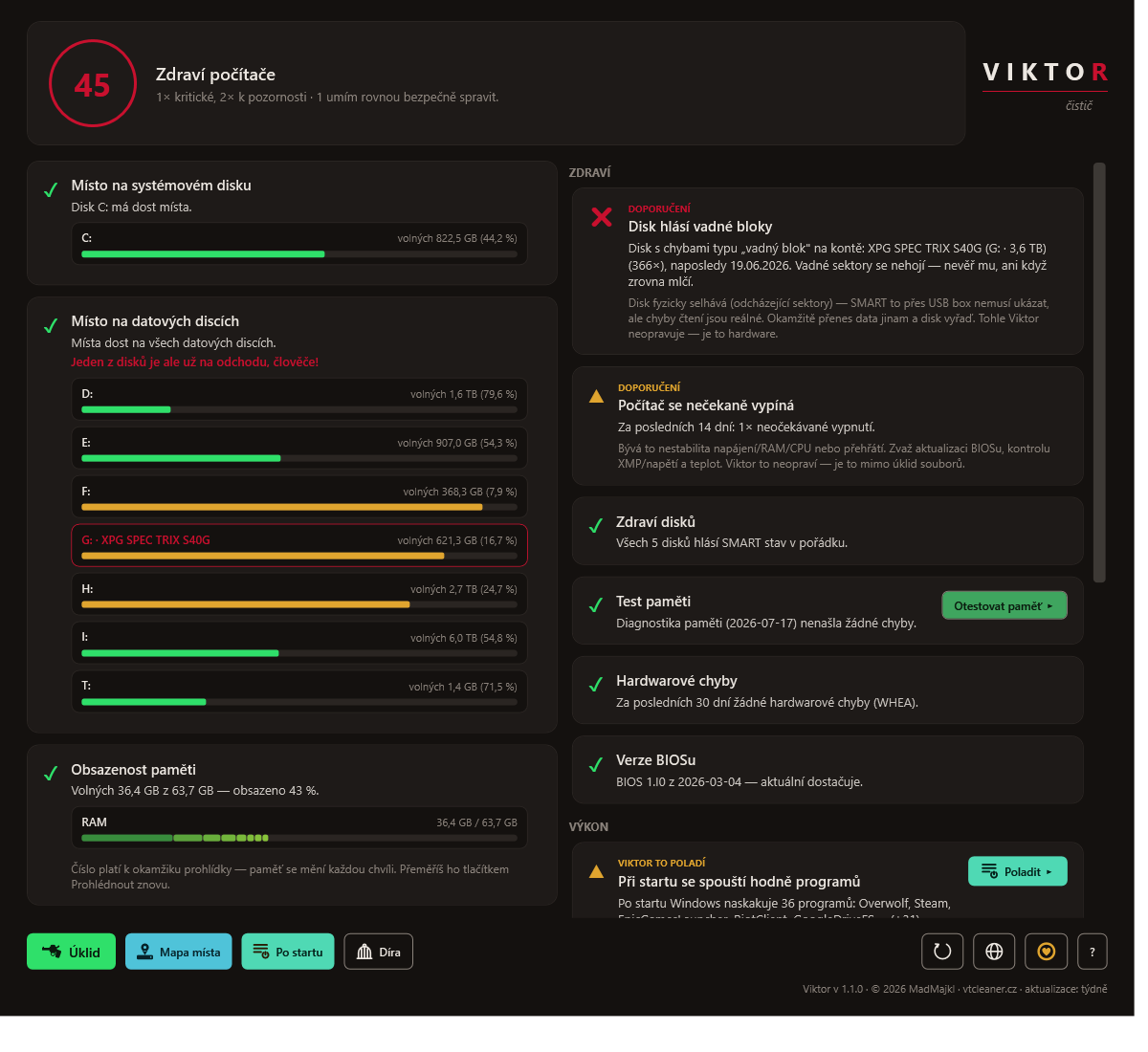
Viktor the Cleaner v1.1.2
Cleans up Windows the safe way. Nothing gets deleted behind your back. No ads, free…
Cleans up Windows the safe way. Nothing gets deleted behind your back. No ads, free…
6d4f5a0b9b9efda44e874f26f49cca4c2c6981baf538172890a4fd1bf6553323
SHA-256 · ViktorSetup-1.1.2.msi
1e6362e3f09899be84b488589cce77aff3332992708b089707548e66dc27e4bf
On first run Windows SmartScreen may show a blue box („Windows protected your PC“). That's normal for a freshly released program — click More info → Run anyway. The installer is signed, and the warning disappears on its own as downloads add up.
Don't take my word for it. Before you run the installer, you can check on your own PC that it's exactly the one I released — bit for bit, no impostor. The tools you need are already in Windows.
1) File fingerprint (SHA-256). Open PowerShell (or Command Prompt) in the folder where you saved the file — usually Downloads — and run:
certutil -hashfile ViktorSetup-1.1.2.exe SHA256certutil -hashfile ViktorSetup-1.1.2.msi SHA256The printed fingerprint must match the one above character by character — the one for the file you downloaded (.exe or .msi). If it matches, nobody touched the file on its way to you. If it doesn't, don't run it and download again.
2) Digital signature. Right-click the downloaded file → Properties → Digital Signatures tab. It must be signed by Michal Foist with a timestamp from Certum. If you prefer the command line, check the same in PowerShell:
Get-AuthenticodeSignature .\ViktorSetup-1.1.2.exe | Format-List Status, SignerCertificateGet-AuthenticodeSignature .\ViktorSetup-1.1.2.msi | Format-List Status, SignerCertificateA line reading Status: Valid and the name CN=Michal Foist mean the file is signed by me and hasn't changed by a single byte since. If anyone tampered with it, Windows declares the signature invalid.
Details and guides are in the help (six languages).
Viktor is not the only thing we built. None of this is third-party advertising — these are our own projects.
Feedback people sent me straight from the app and allowed me to publish. I keep it exactly as it arrived — in the original language, unedited.